
Meet Claude
Meet the crew in a ninety-second comic, make the Memory Box project that will hold all fifteen sessions, play a game that will make one of you laugh out loud, and write one prompt of your own — then fix one thing about it and run it again before bed.
Before you type a single word to Claude, meet who you're talking to. Misha asked the exact question you're about to ask — how does this thing seem to know everything? — and got the answer from a parrot. Swipe through, then the two of you go do what she does.

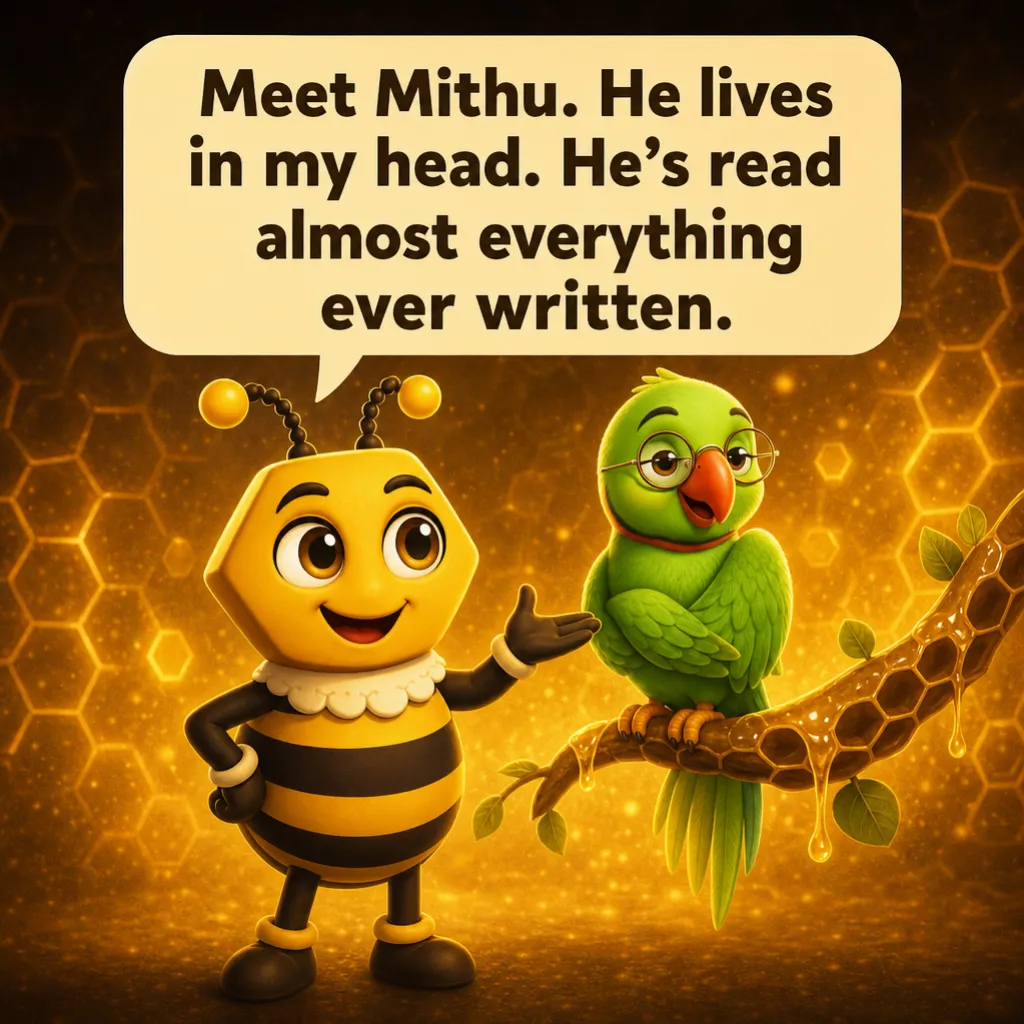
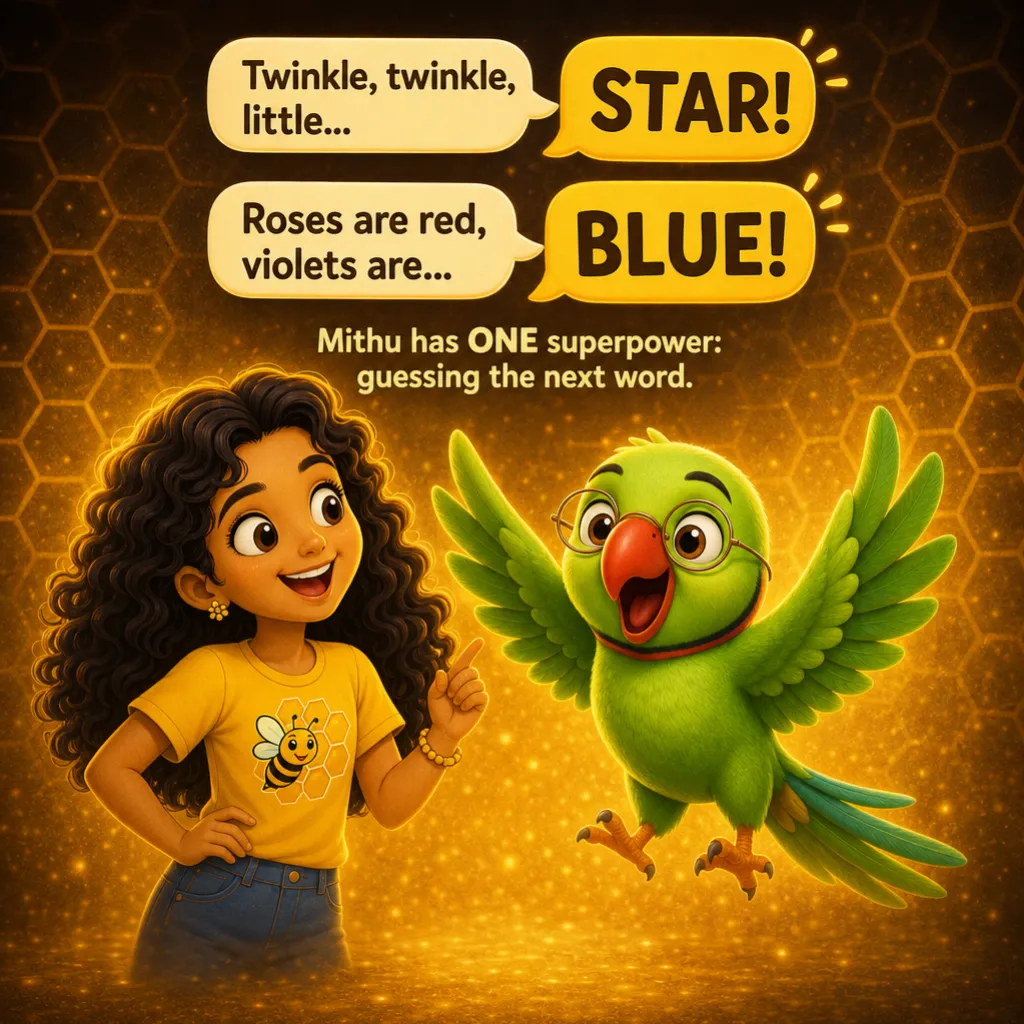

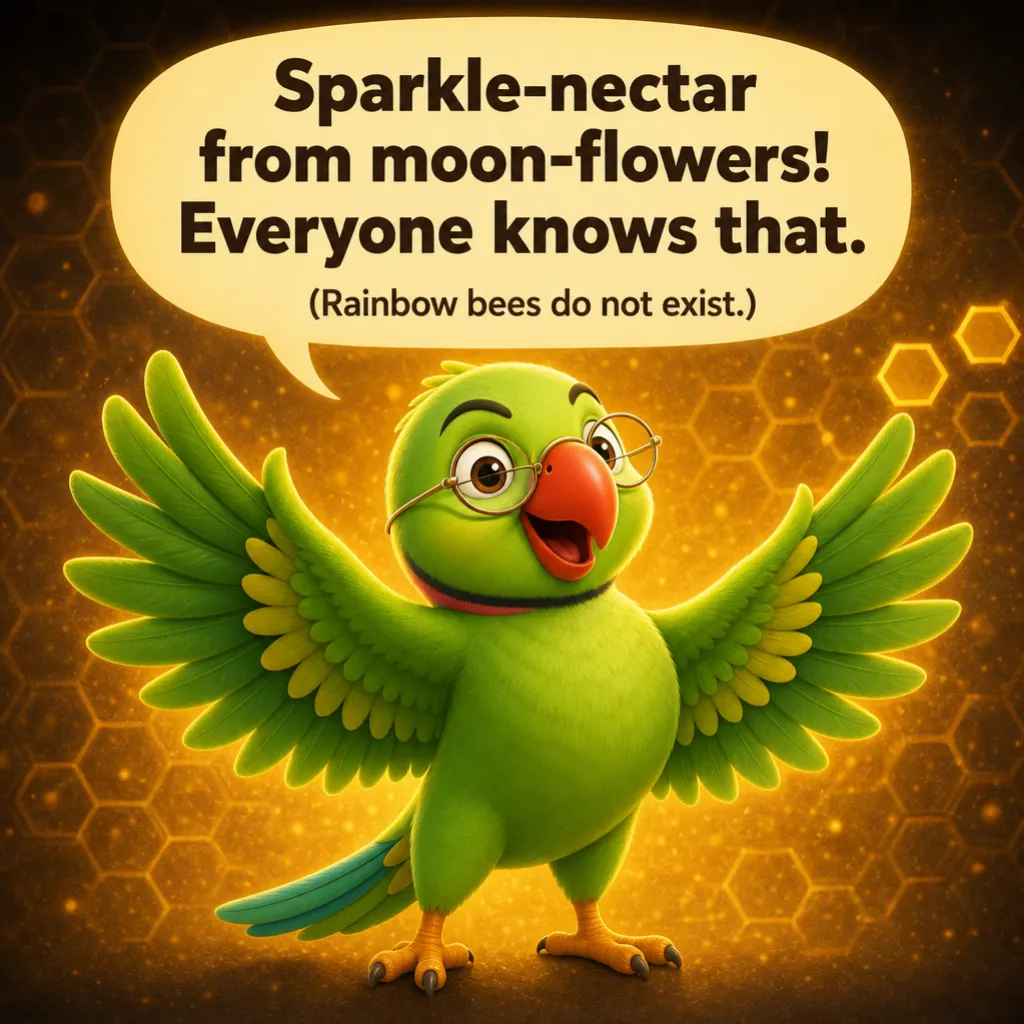

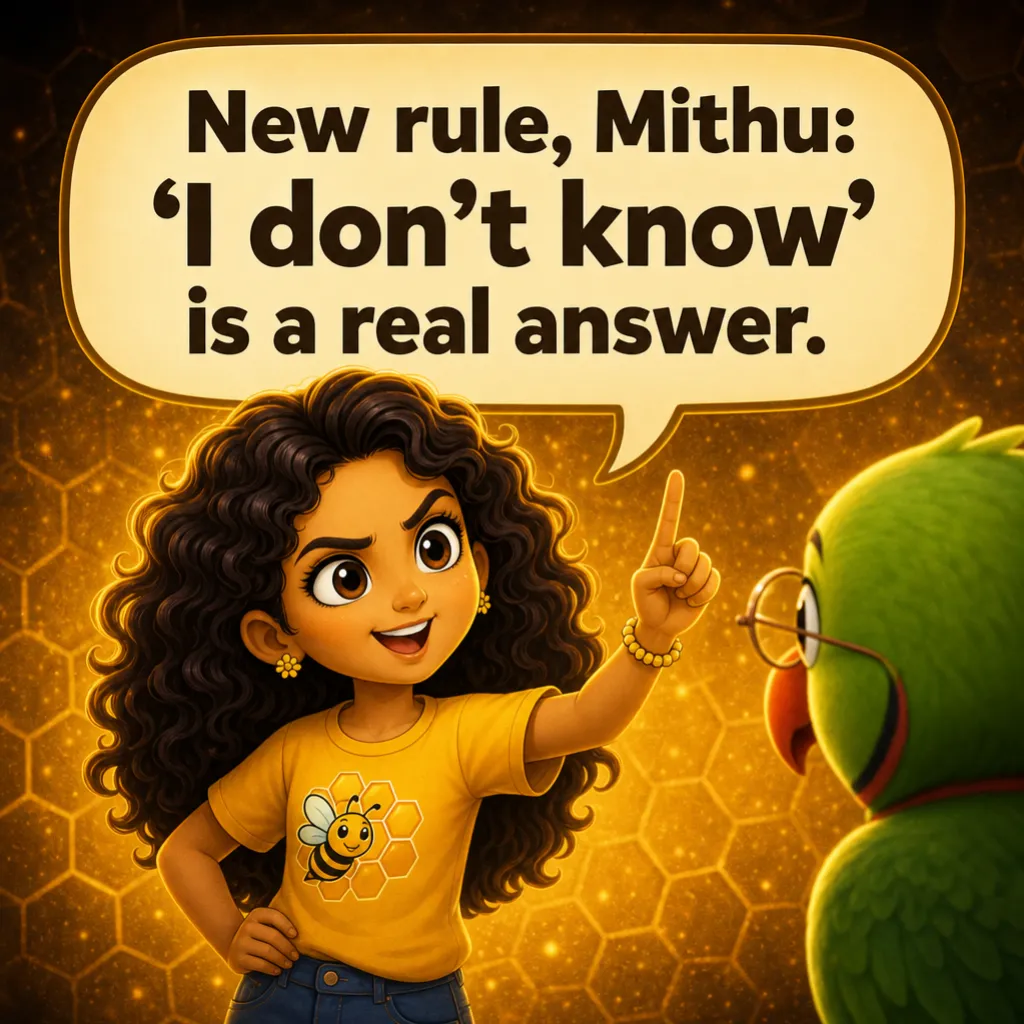






Buzzy is the app you tap; Mithu is the model that thinks — and neither of them can read your mind. So your first prompt is a first draft, exactly like everybody else's, and the whole skill is naming one thing it got wrong and changing exactly that.
First time here — five minutes, once
Claude.ai is an 18-plus service, so the account belongs to the grown-up. That is not a bit of caution we invented — it is how the service works, and it shapes the whole camp. The adult signs in, the adult stays in the room, and the two of you pass the keyboard back and forth.
Four things to settle before you type anything clever. We are deliberately not saying which corner they sit in: apps get redesigned, and a family that found something once can find it again.
- Where you type, and where a brand-new conversation starts. Whoever spots it first opens one and names it Family Camp 01 — Meet Claude. If your version does not name conversations, start your first message with FAMILY CAMP 01 so a search will turn it up later.
- Where your old conversations are kept. That list is your camp folder, and nothing you do in these fifteen sessions ever disappears from it.
- Where projects live. A project is a named folder that keeps the chats and files for one job together. Find that part of the app now — the next section fills one.
- The driver rule, agreed out loud. Whoever is not typing reads the answer aloud. Nobody in this camp gets to be the audience.
🧭 Menus move. If a button is not where this says, go hunting for it together — finding it is the skill, and the idea outlasts the layout.
Make the Memory Box
Every session in this camp ends by saving one thing. Session 15 asks Claude to turn the whole pile into a scrapbook, and that only works if the pile is in one place. So make the place now, before there is anything to put in it.
Make a project and call it Family Memory Box. A project is a named folder: chats you start inside it stay together, and anything you add to it is there for every chat in the project. That is where this camp lives.
Two things go in tonight:
- The keepsake page from the ten questions, once you have played the game.
- One line saying who is in this family and what you are doing here, so you never have to retype it.
Session 6 explains what a project actually is and why it changes the answers you get back. By then you will have been using one for five sessions, which is the right way round.
The message window is small on purpose
A free account gets a number of messages inside a rolling window, then Claude says: not for a while. Not a fault, not a trick — every session here is built to fit inside a small window. Two habits make it last:
- One good message beats three vague ones. "Write a poem", then "shorter", then "about a dog" costs three messages. Saying it once costs one — Misha's snack order, remember.
- Talk between messages. The best minutes of this camp are the ones where nothing is being typed at all.
Nothing across these 15 sessions asks you to upgrade.
One change, not five
Here is the thing nobody says out loud: your first go at asking is a first draft, and so is everybody else's. The difference between a family that gets good at this and a family that gives up is small and boring.
When an answer is not what you wanted, do not retype the whole thing and do not just say "no, better". Do two things instead.
- Name one thing. Not "it's bad" — "it's too long", "it sounds like a teacher", "it left out the part about the dog". One thing, out loud, in words the other person can hear.
- Change one thing. Add one sentence to your ask that fixes exactly that, and leave everything else alone.
Change one thing and you find out what that thing does. Change five and you learn nothing, because you cannot tell which one worked. You are doing this tonight on something you wrote yourself, and session 3 turns it into a proper method with four dials.
Prompts for this session
5 cards, and each one says who types it. Keep this page open beside Claude — the account belongs to the grown-up.
Hi Claude. We are a parent and a kid doing a 15-session family camp together, on one account, on the free plan. This is session 1. In four short sentences: what are you, what are you genuinely good at, and what is one thing you are bad at? Use words a nine-year-old knows.
Be the quizmaster for a family game. Print ten numbered questions and do not answer any of them yourself. Odd numbers go to the grown-up and are about the kid; even numbers go to the kid and are about the grown-up. Mix easy and sneaky: favourite food, what they were most scared of at age eight, the best day of their year, the song they would sing in the shower, what they would do with a completely free Saturday. One line each.
Here are our answers in order, with a tick where we were right and a cross where we were wrong: [paste your ten answers]. Turn this into a keepsake page titled 'What we thought we knew — Session 1'. Keep every wrong answer exactly as we said it, put our score out of ten at the bottom, and do not add a single fact we did not give you.
Ask us one more question about each other that we would never think to ask ourselves. Just one. Surprising, kind, and answerable in a sentence.
[Do not copy this card — this one you write yourself. Pick something you actually need this week: a message to a relative, a plan for Saturday, a way to explain something to a younger cousin, a name for a thing you are making. Write the whole ask in one message, in your own words, and send it.]
Fix it, run it again, see if it worked
This is the part that teaches. Everything above was practice at noticing — here the child changes their own work and finds out tonight whether the change helped.
- Step 1 · Fix one thingCard 5 was yours: your own words, your own real job. Now read the answer and name ONE way it fell short — too long, aimed at the wrong person, too stiff, missing the bit that actually mattered to you. Say it out loud so the other one hears it, then change exactly one thing in your ask to fix that. Add the length. Or name who it is for. Or say what has to be in it. One change only, and leave the rest of your words exactly as you wrote them.
- Step 2 · Run it againSend version two tonight, in the same chat, before anybody goes to bed. It costs one message and it is the most important message of this session — everything up to here you were shown, and this is the first time you find out whether something you did yourself actually worked.
- Step 3 · Did it work?Put the two answers side by side on the screen and each of you say which one you would really send, and why, in one sentence — not 'it's better' but what changed. If version two won, you know exactly which sentence bought that, because you only changed one thing. If version one won, that is a finding worth just as much: say what the first answer had that the second one lost. Then put both versions in the Memory Box project with the winner circled, and the grown-up says out loud which change they would have made.
The re-run is counted in tonight's messages, so it fits — and if the fix did not help, that is a real result too. Say what you would change next and stop there.
Ten Questions, Zero Cheating
Claude prints ten questions and answers none of them. The grown-up takes the odd numbers, which are all about the kid; the kid takes the evens, which are all about the grown-up. Say your answers out loud one at a time and let the other person mark it right or wrong before you move on — no peeking at the list, and no changing your answer once their face has given it away. Wrong answers are worth more than right ones: every time somebody misses, the person the question was about tells the real story behind it, and that story is the reason you are doing this. Then paste your answers back in and let Claude lay out the keepsake page.
Four things happen after the quiz. Only one of them deserves a brand-new chat. Say your answer out loud before you click, and you both have to agree first.