🐝 CodersBee Python & AI PlayCampLog in to save progress →

Python & AI PlayCamp · 15 Days
Python & AI
Ages 8–15 · with Manisha
🧩
★ START HERE · DAY 0
BrainBlocks
Build an AI machine — no code!
PYTHON FOUNDATIONS
01
Meet Python!
0/5
02
Numbers & Strings
🔒
03
Variables — Memory Boxes
🔒
Input — Talking to Your Program
🛠️ Bonus
🔒
04
Making Decisions
🔒
05
Loops — Magic Repetition
🔒
06
Lists — Collections of Things
🔒
🧠
★ BONUS · LIVE GAME
Brain Battle Lite
🔮 Crystal Ball · 🗺️ Treasure Hunt
Your Real Python Toolkit
🛠️ Bonus
🔒
07
Functions — Your Own Commands
🔒
08
Dictionaries
🔒
09
Python Project Day!
🎯 Project
🔒
🧠
★ BONUS · LIVE GAME
Brain Battle Pro
🤖 Function Detective · 📒 Dictionary Dash
Build It Yourself — Rock, Paper, Scissors
🛠️ Bonus
🔒
Build It Yourself — Tic-Tac-Toe
🛠️ Bonus
🔒
AI TRACK
Intro to AI — How Machines See & Learn
🛠️ Bonus
🔒
10
Meet Generative AI
🔒
11
Talking to AI with Code
🔒
🧠
★ BONUS · LIVE GAME
Brain Battle Elite
🎤 Prompt Battle · ⚡ Quiz Blitz
12
Build a GenAI App
🎯 Project
🔒
13
AI Image Magic
🔒
14
Your AI App — Capstone!
🔒
15
Demo Day & Graduation!
🎯 Project
🔒
🧠
★ BONUS · LIVE GAME
Boss Battle FINALE
👑 Tug of Honey · 🎓 Graduation
Manisha
Manisha
● online · < 1hr reply
Stuck on something? Drop me a message and I'll help you out!
💬 Ask Manisha
B
CodersBeePython & AI PlayCampDay 1
JOURNEY
0/15
DAY 1 OF 15
🐍

Meet Python!

Your new robot best friend

1.What is programming?2.Why Python?3.Your first program4.How to run code🚀 Open today's code in the Playground →
0/15 days complete
🍯 TODAY'S HONEY BYTE · LOCKED
Finish the lesson to unlock Buzzy's secret about how bees give directions! 🔒
0/2 🍯
💡
Day 1 is free — no login needed!Log in so your teacher can track your progress across all 15 days.
Log in →
🎬
Start here — watch the video first!
Before reading or coding anything, watch the video all the way through.
👇
👨‍👩‍👧

For parents: Watch the video together with your child — pause it to discuss key ideas and encourage them to take notes. The quiz and coding challenges below are directly based on the video, so focused watching makes a big difference!

CB
Python & AI PlayCamp — Day 1
CodersBee
▶ 8:24
💡
Today's Adventure
Imagine you have a magical robot that does EXACTLY what you tell it to do — no more, no less. That robot is Python! Python is a programming language, which means it's a special language that both you and computers can understand. Today we're going to have a conversation with our robot for the very first time!
01

What is a Programming Language? 🗣️

Section 1 / 4

You talk to your friends in English. You talk to your robot (the computer) in Python! A programming language is just a set of words and rules that lets you give instructions to a computer. Python is special because it's super easy to read — it almost looks like English!

💡
THINK OF IT THIS WAY
Think of it like this: if you want your dog to sit, you say 'Sit!' Python is like that command — but for computers. And unlike your dog, the computer ALWAYS listens! 🐕
1 / 4
1 Game + 3 Challenges

Time to code.

Game → guided → debug → blank page. Take your time.
Your progress · 0/5
VideoGuidedDebugYour TurnQuiz
Log in to save →
🎮 GAME

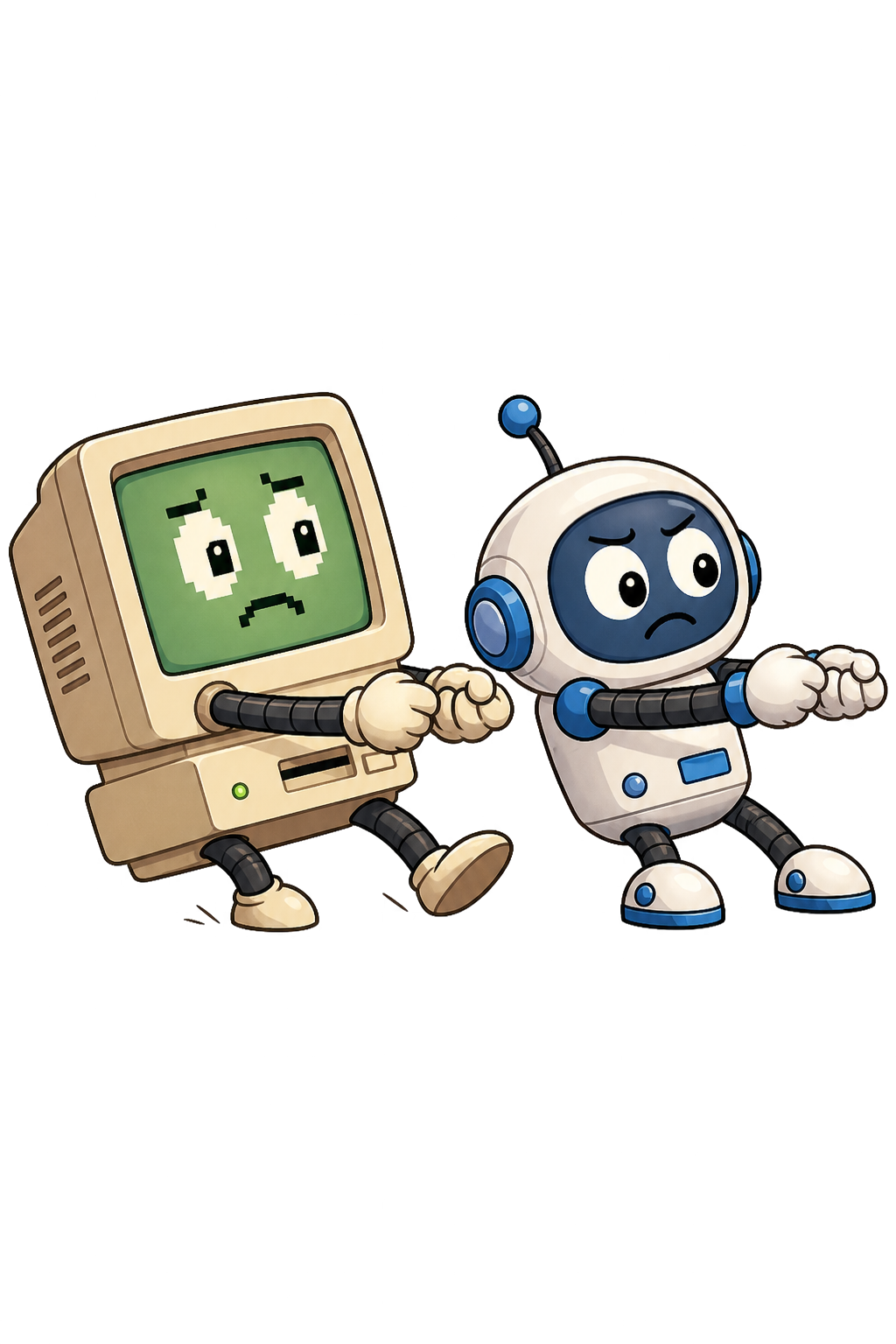
Coder vs Computer — Tug of War! 🎮

The computer thinks you can't write Python. Prove it wrong. Two quick warm-ups, then the real Python rounds — type the right answer to yank the rope. Get it wrong and the computer pulls back. One winner.

Computer team
VS
Type Python → Pull the rope!
Your player
Pick your player:
1Warm-up! What is 31 + 47?+6 pull
2Warm-up! What is 46 − 7?+6 pull
3Tell Python to print your name+22 pull
4Store your name in a variable called name+24 pull
5Print the variable name (without quotes!)+26 pull

Challenge 0 — Warm-up

Warm-up challenge
Run it!

Your very first program is ready to go. Just press ▶ Run and watch Python say hello — no typing needed. See the output appear below!

1Read the code below
2Press ▶ Run
3Watch the output appear underneath
4You just ran your first Python program! 🎉
challenge.py
Tab indent  · ⌘ ↵ runReal Python — runs in your browser 🐍
Need help?
🏆

Challenge 1 — Guided

Challenge 1 of 3
Starter code provided

Create a program that prints 5 things about yourself — your name, age, favourite food, favourite game, and one superpower you wish you had!

1Read the mission above
2Replace every ___ with your own info
3Press ▶ Run to see your output
4Fix anything the output flags and run again
challenge.py
Tab indent  · ⌘ ↵ runReal Python — runs in your browser 🐍
Need help?
🐛

Challenge 2 — Debug Zone

Challenge 2 of 3
Fix the errors

This code has 4 mistakes in it — the same ones almost every beginner makes on Day 1. Find them, fix them, and run the code until you get a clean output with no errors!

1Read the buggy code carefully
2Spot each mistake (there are 4 bugs)
3Fix them one by one in the editor
4Press ▶ Test Fix to check your work
🔍 Spot the difference — the bugs change what gets printed:
▶ RIGHT NOW IT PRINTS
💥 SyntaxError — the program won't run at all!
   (starting at  print(Hello, my name is Priya!) )

Every line has a small mistake, so Python
stops before printing anything. Fix the
quotes, the capital P, and the brackets.
🎯 GOAL — MAKE IT PRINT
Hello, my name is Priya!
I am learning Python today!
My favourite number is 7
This summer I will build awesome things! 🚀
debug_me.py
Tab indent  · ⌘ ↵ runReal Python — runs in your browser 🐍
Need help?
✍️

Challenge 3 — Your Turn!

Challenge 3 of 3
Write from scratch

Write a Python program completely from scratch that does ALL of the following: Your program must have at least 4 print() statements and must run without any errors.

  1. 1Prints a greeting that includes your name
  2. 2Prints what you want to be when you grow up
  3. 3Prints one fun fact about yourself
  4. 4Prints a goodbye message
1Read the mission above
2Click inside the editor to start typing
3Write at least 3 print() statements
4Press ▶ Run to see your program run
my_program.py
Tab indent  · ⌘ ↵ runReal Python — runs in your browser 🐍
Need help?

Quick Quiz

10 questions · Answer all to finish Day 1
0 / 10 answered
Q1
What does the print() command do in Python?
Q2
What symbol do you use to write a comment in Python?
Q3
Python was named after...
Q4
What happens if you type print(Hello) without quotes?
Q5
Which of these will print correctly without any errors?
Q6
In what order does Python read your code?
Q7
What does the word 'run' mean in coding?
Q8
Can you put an emoji inside a print() statement?
Q9
What is a programming language?
Q10
What year was Python first created?
You can change any answer before submitting.
🍯 HONEY BYTE · HOW BEES GIVE DIRECTIONS
🔒 Your reward for today is hiding in here — finish the lesson to reveal it!
🍯🔒
Still to do to unlock:
▶ Watch the lesson video📝 Submit the quiz